U.N. Post
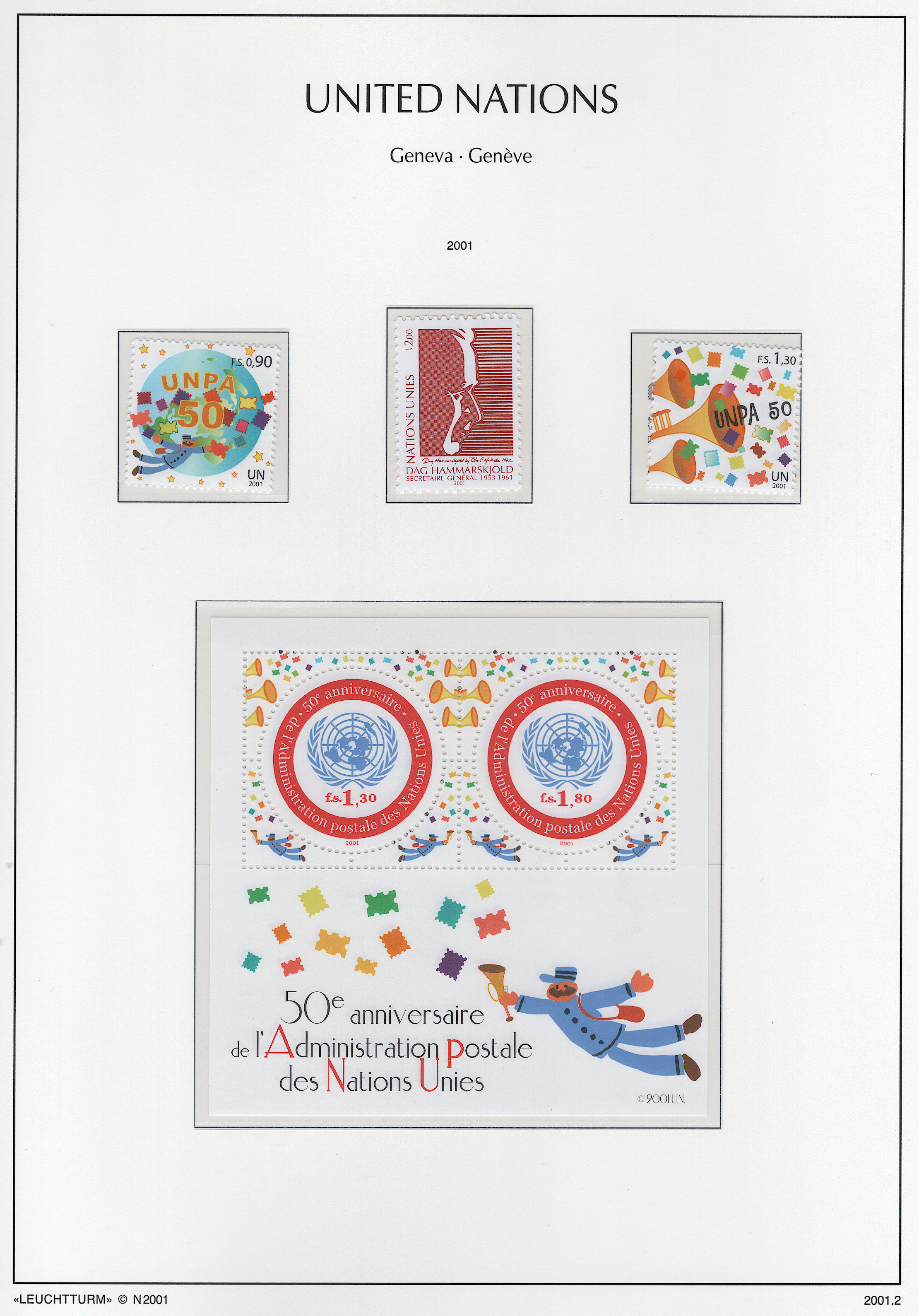
On November 16, 1950, the U.N. Postal Administration was started and became a member of the Universal Postal Union. The U.S. Postal Administration entered into an agreement with the U.N. Post to accept letter from them only if U.N. stamps were in U.S. dollars, and used only at the U.N. headquarters. As a result, an office in the U.N. headquarters in New York was opened for mailing letters and packages. It opened and issued its first stamps on October 24, 1951.
In 1969, the U.N. Post made a similar agreement with the Swiss government to establish a U.N. post office at the U.N. headquarters in Geneva, an agreement that they would accept mail from the U.N. using their own stamps. As part of that, those stamps were issued with the then currency of Switzerland, francs.
Note
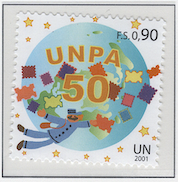
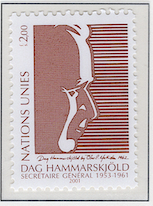
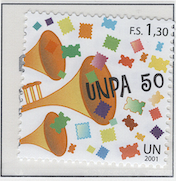
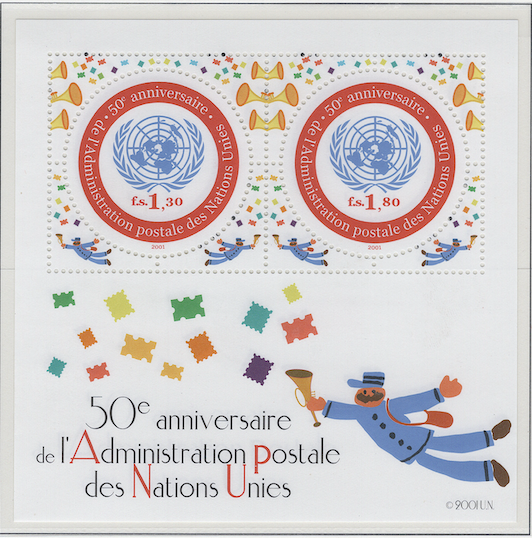
These stamps and souvenir sheet related to the U.N. Postal Administration are nice enough. I especially like the one in the middle of the top row, the one commemorating Dag Hammarskjöld, the first U.N. Secretary General. I just wish that would have put it on another page and wuold have kept this page just for the Postal Admin. stamps.
Contains 4 spots: own 4 – 4 unused, 0 used.
Page is finished.
Album or Web Page Last changed Oct 4, 2025
Stamp Details
The table below lists information about the stamps shown on this page of Lighthouse’s stamp album. For more details about a particular stamp, click on its description. That will take you to the related web page of Colnect.
spot |
own |
catalog |
subject |
description |
comment |
|---|---|---|---|---|---|
✓ |
377 |
0.90 (oct 2001) |
|||
✓ |
376 |
2 (sep 2001) |
|||
✓ |
378 |
1.30 (oct 2001) |
|||
✓ |
379 |
3.10 (oct 2001) |
Footnotes
Spot refers to the postion of the stamp on the album page (e.g., 3.2 indicates row 3, position 2).
Amt. is an abbreviation for the face amount of the stamp.
Own indicates the stamp status: ✓ for unused; ✗ for used or canceled; ⭑ signifies I ordered one; ; ✨ indicates it was bought recently; ✠ means an auction bid is pending; and ◎ is used, and it costs too much for unused.
To search by catalog number, go to the search box and enter it in the catalog number box. However, it’s a bit broken; I need to fix it.




No Covers Found.