Check in the Mail
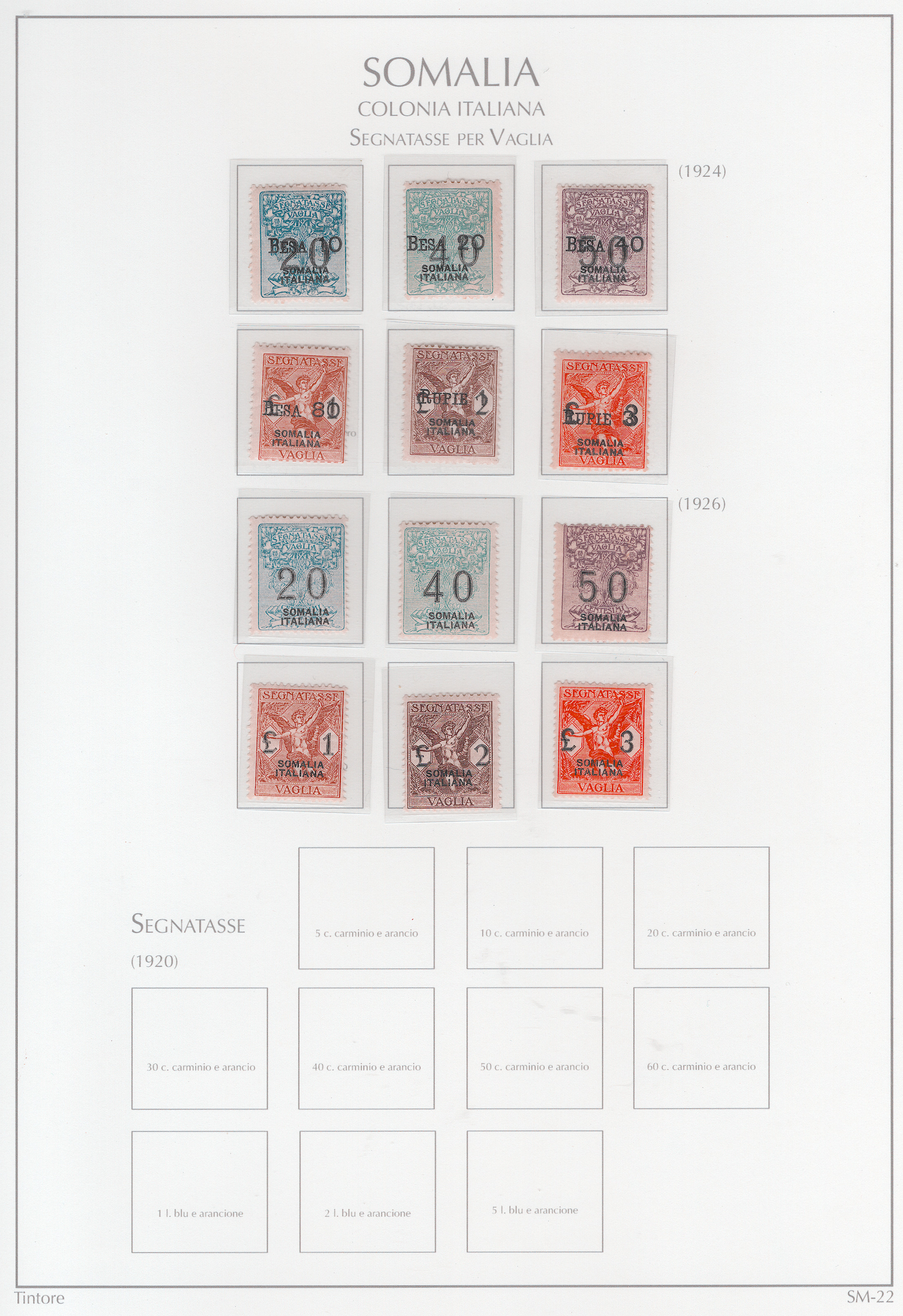
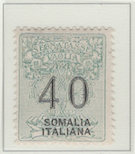
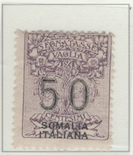
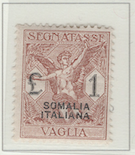
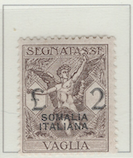
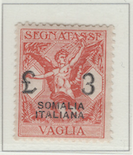
The top two sets of stamps are called in Italian, Segnatasse per Valglia – which literally and vaguely translates to sign of tax for valuable thing. They’re stamps to be attached to a post office money order, to indicate that the required service charge has been paid.
The basic procedure was for someone who wanted to send money to someone else (e.g., a family member, a vendor), to go to their local post office in Italy and deposit the money for whatever amount they want to send. They would then be given a money order for that amount, to assign it to whomever. A postal worker would take one of these stamps, which the sender would have to buy for the face amount, and attach it to the money order to validate it. Then the sender would mail it to the recipient – another stamp for the envelop – perhaps along with a cover letter. The envelop would be delivered to the recipient wherever they were in Italy. That person would then go to their local post office to get the cash for the postal money order.
Compared to methods that are available to us today for transfering money, the method of late 19th Century Italy seems like a protracted process. But at that time, it was quick and more secure than mailing cash in the mail or traveling across the peninsula to deliver the money in person.
Note
These back-of-the-book stamps for Somalia are a little expensive. Any one set isn’t too expensive, but several sets for multiple pages becomes too much. Every pay day or so I try to buy another set, hoping that over a few months I’ll have them all – assuming none of the sets are prohibitively expensive.
Contains 22 spots: own 12 – 12 unused, 0 used.
Album or Web Page Last changed Feb 6, 2025
Stamp Details
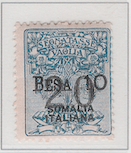
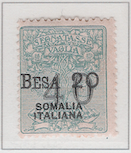
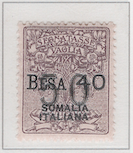
The table below lists information about the stamps shown on this page of Lighthouse’s stamp album. For more details about a particular stamp, click on its description. That will take you to the related web page of Colnect.
spot |
own |
catalog |
subject |
description |
comment |
Money Order Stamps - Besa & Rupie
✓ |
SV1 |
10b (jul 1924) |
|||
✓ |
SV2 |
20b (jul 1924) |
|||
✓ |
SV3 |
40b (jul 1924) |
|||
✓ |
SV4 |
80b (jul 1924) |
|||
✓ |
SV5 |
1r (jul 1924) |
|||
✓ |
SV6 |
2r (jul 1924) |
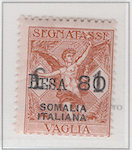
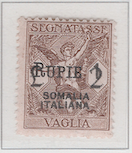
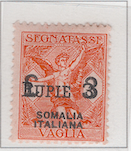
Money Order Stamps
✓ |
SV7 |
20c (mar 1926) |
|||
✓ |
SV8 |
40c (mar 1926) |
|||
✓ |
SV9 |
50c (mar 1926) |
|||
✓ |
SV10 |
1₤ (mar 1926) |
|||
✓ |
SV11 |
2₤ (mar 1926) |
|||
✓ |
SV12 |
3₤ (mar 1926) |
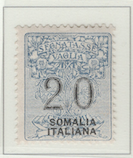
Postage Due
S23 |
5c (oct 1920) |
||||
S24 |
10c (oct 1920) |
||||
S25 |
20c (oct 1920) |
||||
S26 |
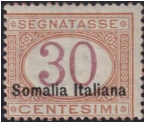
30c (oct 1920) |
||||
S27 |
40c (oct 1920) |
||||
S28 |
50c (oct 1920) |
||||
S29 |
60c (oct 1920) |
||||
S30 |
1₤ (oct 1920) |
||||
S31 |
2₤ (oct 1920) |
||||
S32 |
5₤ (oct 1920) |
Footnotes
Spot refers to the postion of the stamp on the album page (e.g., 3.2 indicates row 3, position 2).
Amt. is an abbreviation for the face amount of the stamp.
Own indicates the stamp status: ✓ for unused; ✗ for used or canceled; ⭑ signifies I ordered one; ; ✨ indicates it was bought recently; ✠ means an auction bid is pending; and ◎ is used, and it costs too much for unused.
To search by catalog number, go to the search box and enter it in the catalog number box. However, it’s a bit broken; I need to fix it.





















